Test-day guide
What happens on test day.
Four moments, from leaving home to walking out with your result. Read it once in the week before your exam.
- Arrive
- 30 minutes before your start
- Bring
- Current photo ID + confirmation
- Where
- 9990 Richmond Ave, Ste 290N
01 — The day
Four moments, in order.
Before you leave
Check your name and your ID.
Open your confirmation email. The name on it must match your photo ID exactly, and the ID must be current.
30 min before
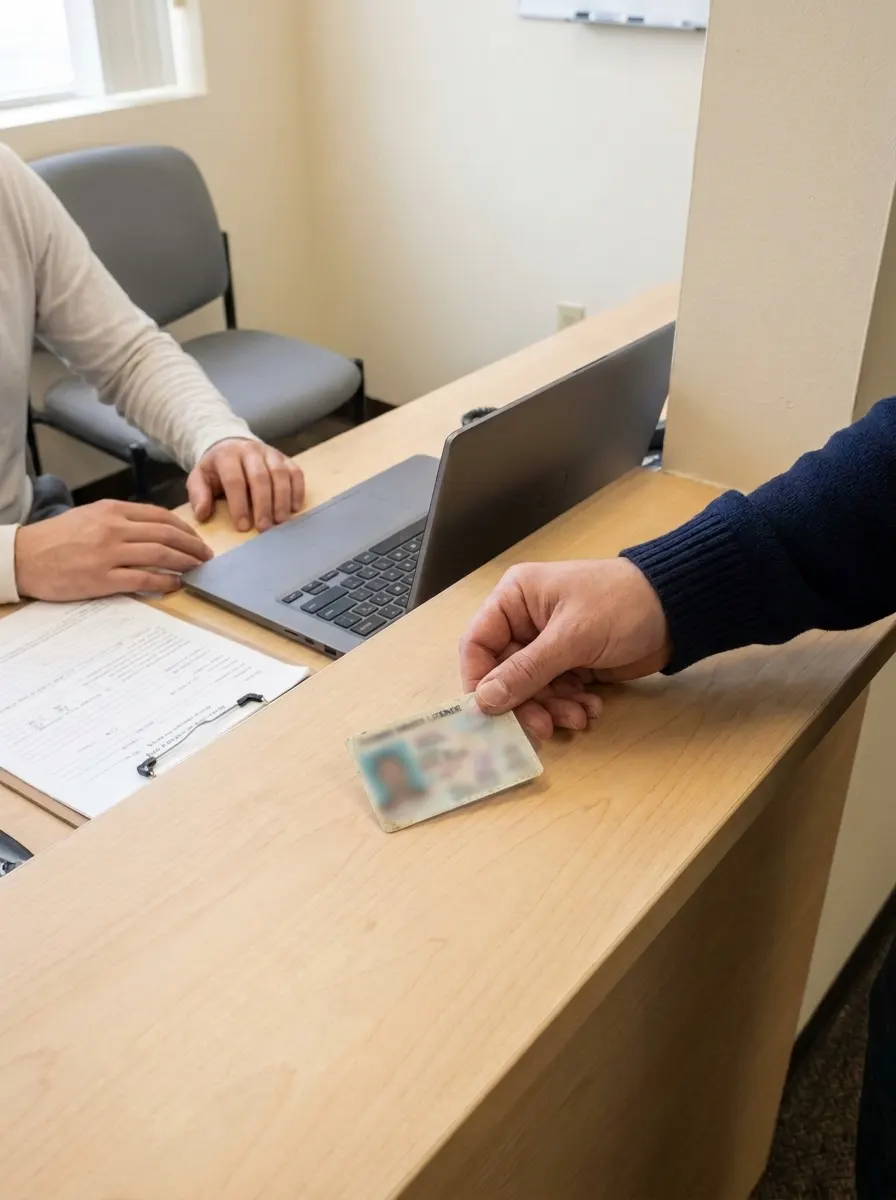
Check in at Suite 290N.
Show your ID and confirmation at the desk. Personal items stay outside the room; we will confirm how they are stored before opening.
Start time
Sit at your station.
You get a partitioned workstation. Staff stay in the room for the whole exam. Raise your hand if anything on screen goes wrong.
When you finish
Leave with your result.
Many computer-based exams show your score as soon as you submit. Your official record stays with the exam owner.
02 — Bring and leaveFrom the center’s own rules
Bring little. Arrive early.
Bring
- + 01A current, government-issued photo ID. Not expired.
- + 02Your confirmation email, printed or on screen at check-in.
- + 03Your name exactly as it appears on your registration.
- + 04Yourself, 30 minutes before your start time.
Leave at home
- – 01Phones
- – 02Watches, smart or not
- – 03Bags
- – 04Notes and study material
- – 05Food and drink
03 — In the room
Quiet, watched, and fair.
- 01
One person per station.
Partitions on both sides. The screen in front of you is the only one you see.
- 02
Staff present throughout.
From the moment you sit down until you submit, someone is in the room.
- 03
Breaks follow the owner’s rules.
Some exams allow a break and some do not. Your confirmation email says which.
04 — Questions10 questions
Everything people ask before test day.
Can I book an exam yet?
Not yet. Our applications with the national testing networks are in review, so no exam can be scheduled here today.
Join the notify list and we will send one email the day booking opens.
What ID do I bring?
A current, government-issued photo ID, such as a driver license, state ID or passport. The name must match your registration exactly.
Some exam owners ask for a second ID. Your confirmation email says which.
Can I reschedule?
Rescheduling follows the rules of the exam owner you registered with, and deadlines differ between them. We will confirm the process for each exam before opening.
Is there parking?
We will confirm this before opening.
Do you help in Spanish?
We will confirm this before opening. The languages an exam is offered in are set by its owner, not by the test center.
How do I know if my exam is offered here?
Check the exam list. If yours is not there, email info@texassteppingstone.com and we will tell you whether it is planned.
What if I arrive late?
Plan to arrive 30 minutes early. If you are late, the exam owner’s rules decide whether you can still test, and you may lose the appointment.
Can I bring a calculator?
Only if your exam owner allows it. Many computer-based exams provide an on-screen calculator instead.
I need an accommodation. What do I do?
Request it from your exam owner before you book; they approve accommodations. Then tell us, so the station is ready when you arrive.
Can someone wait for me?
We will confirm this before opening.